
Removal, not a cover-up
Stickers and blur filters only hide text under something else. Here the letters are deleted and the hole is reconstructed from the surrounding scene, so nobody can tell there was text in the first place.
Photo & picture text remover
Remove text from image files in three taps: date stamps on travel photos, “SALE” stickers on product shots, captions on memes. The words disappear and the scenery behind them is filled back in — right on your device, with no Photoshop, no account, and no watermark on the result.
Pick the photo to clean up
Travel shots, product photos, memes — PNG or JPG
Choose the language of the text on your photo before uploading
Pick a picture from your camera roll or drag in a PNG or JPG. Large photos are fine — the file is decoded in your browser tab, not on a server.
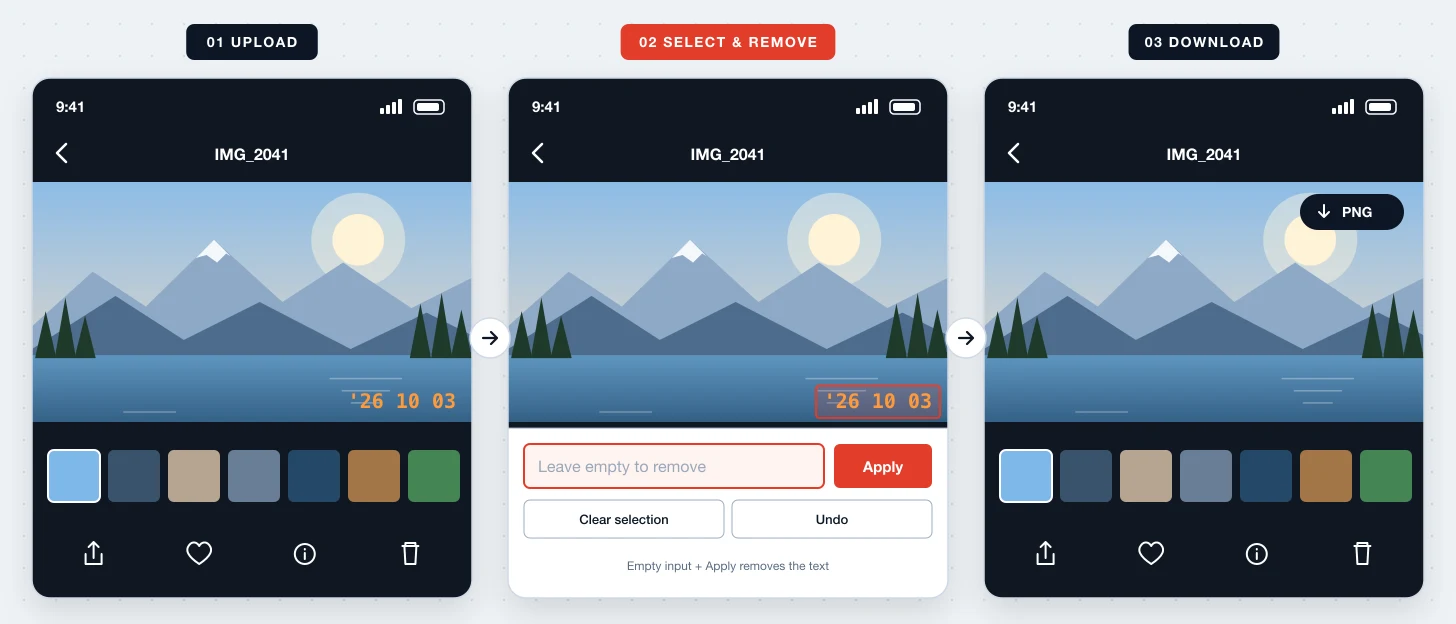
Every word OCR finds gets its own box. Tap a date stamp, or sweep across a two-line caption to grab all of it in one move.
An empty input means “remove”. The gap is rebuilt from nearby pixels; save the PNG once the picture looks untouched.
Remove Text From Image takes words out of a picture and restores what they were hiding. It is aimed at real photos and finished graphics — images where text sits on sky, fabric, wood, or a product rather than on a flat white background.
Stickers and blur filters only hide text under something else. Here the letters are deleted and the hole is reconstructed from the surrounding scene, so nobody can tell there was text in the first place.
Skies, walls, and soft gradients usually come back with a single tap. If a fill leaves a faint shape on grass, hair, or patterned fabric, switch to Brush repair and paint over just that spot.
No layers, no content-aware settings, no clone stamp. OCR does the selecting for you, which makes it practical to clean a whole set of photos on your phone during a commute.
The removed area is rebuilt from the colors and texture around it, so a sunset stays a sunset.
Drag across a multi-line caption and every word is selected — no tracing letter by letter.
Paint over small leftovers such as a stray digit or the shadow under a word.
On iPhone and Android the button opens Photos, so you can remove text from a picture you just took.
The saved PNG has the same pixel dimensions as the photo you opened, with no logo stamped on it.
The photo is not transmitted anywhere; closing the tab is all it takes to discard it.
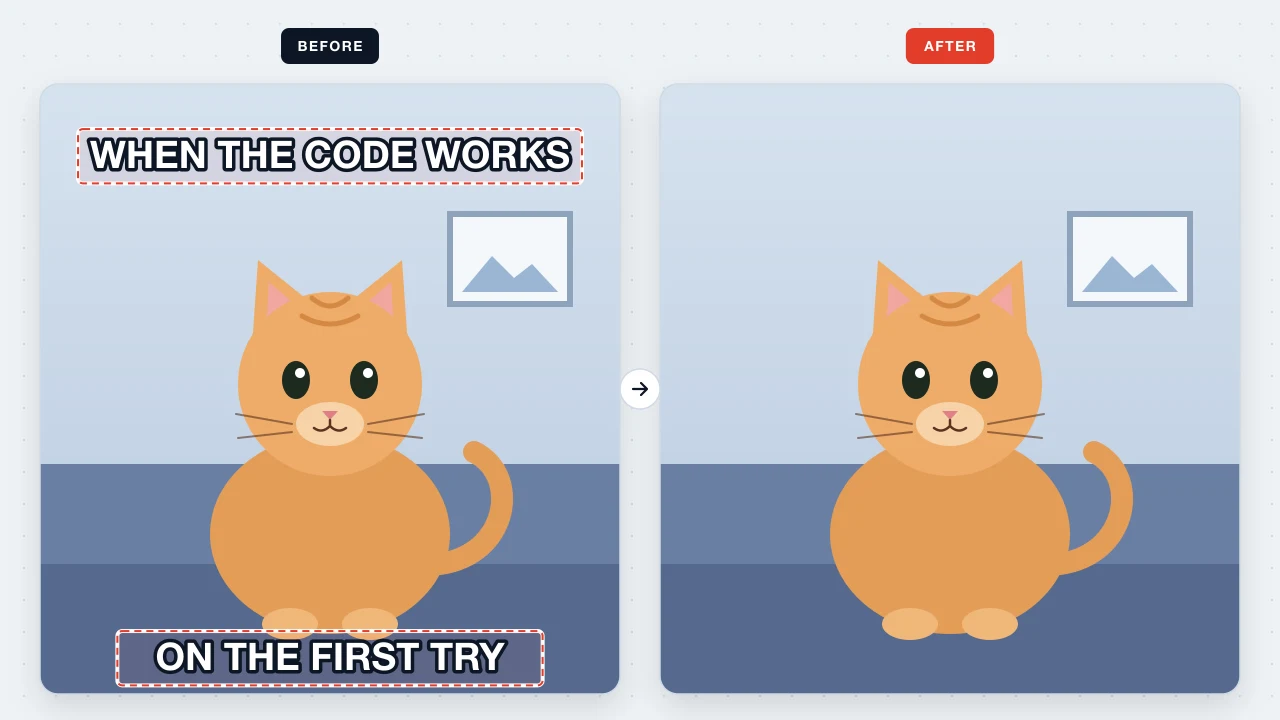
Film cameras and some phone apps burn an orange date into the corner. Remove it before printing, framing, or using the shot as a wallpaper.
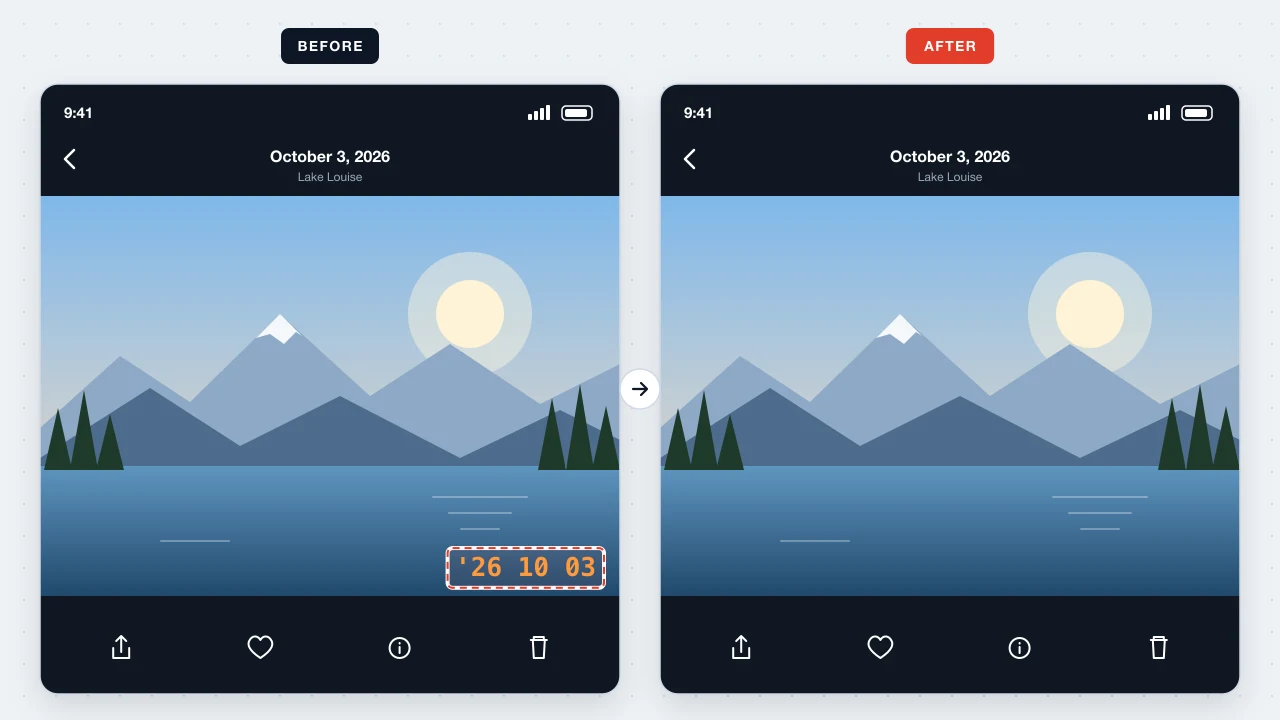
“NEW ARRIVAL” and “SALE -30%” expire; the product photo doesn't. Remove the promo text and keep using the same image in your shop.
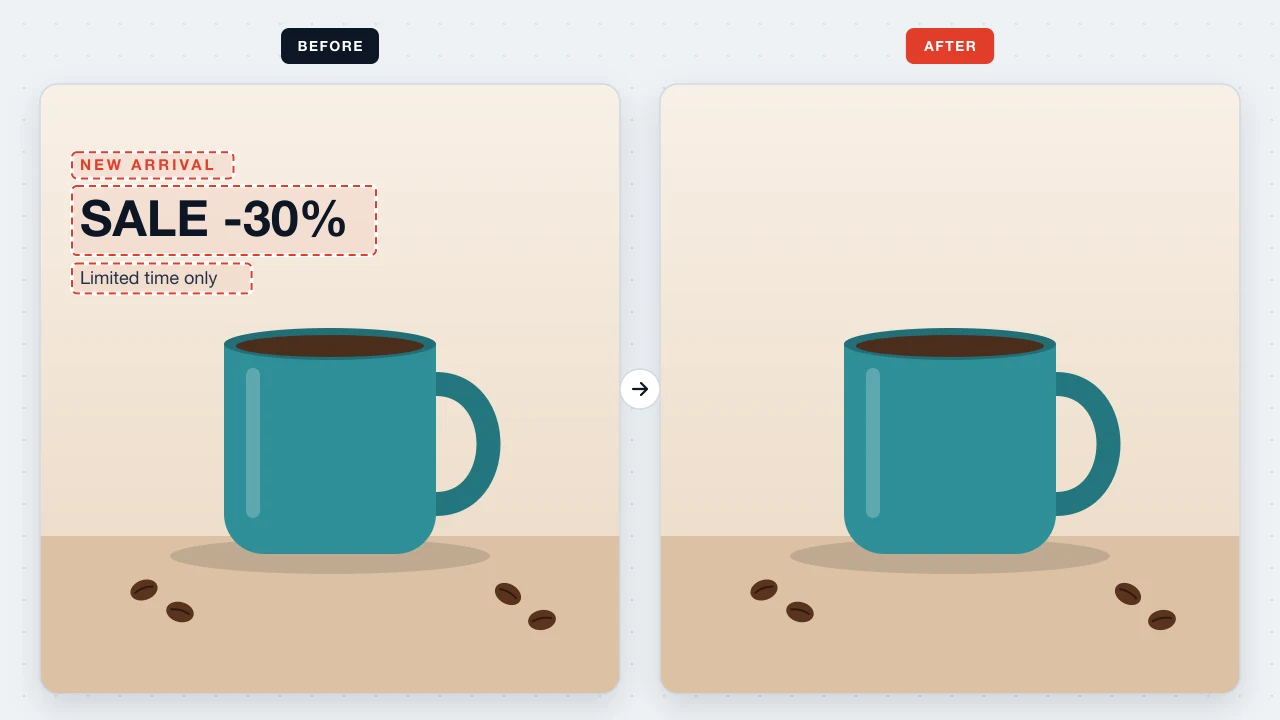
Found the perfect reaction picture, but it already has a caption? Remove the top and bottom text and write your own joke.
Personal photos are exactly the kind of file you shouldn't hand to an unknown server. Remove Text From Image decodes, analyzes, and repaints the picture inside your browser; when you close the tab, it is gone. We hold no copy to lose, sell, or leak.
Open the picture on this page, tap the words once OCR has boxed them, keep the input empty, and press Apply. Saving the PNG costs nothing and adds no watermark.
Yes. Date stamps are short, high-contrast text, so OCR usually finds them right away. If a few digits survive, brush over them.
On skies, walls, and studio backdrops the fill is usually invisible. Detailed textures such as foliage or faces may need a quick brush touch-up.
Draw a box around it with Add region, or paint over it in Brush repair mode. Stylized lettering is often quicker to handle by hand.
Please don't. Only remove text from images you own or are licensed to edit; stripping watermarks or credits from another creator's work can infringe copyright and breaks our Terms of Use.
No. It is a web page that works in Safari, Chrome, Edge, and Firefox on phones and computers.
Open a photo and watch the words disappear in a few seconds — nothing to install, nothing uploaded.
Remove text from a photo